


Information & Communication Technology in the Classroom
Dhirubhai Ambani International School integrates technology into the curriculum and implements 21st Century Learning best practices. The school provides state-of-the-art computing facilities and implements the fastest fiber Internet connectivity to cater to the needs of a technology-enhanced school.
As the leading international school in Mumbai, we support continuous inquiry and foster collaboration bringing the latest advancements to keep information literacy always elevated. Integrating technology into education helps our students develop critical thinking skills and manage complexity.
The infrastructure allows for

sourcing multiple platforms to engage learners
accessing multimodal ways of learning and showcasing understanding
making local and global connections
Technology in Numbers

1gbps
Fiber Links for high speed internet

100%
Learning and administrative spaces connected to the internet

92
Microsoft Certified Educators and Microsoft Innovative Educator Experts

123
Computers available for Secondary School excluding BYOD
250
Jio Books in the Library Primary

1:1
Ipads in the Early Years
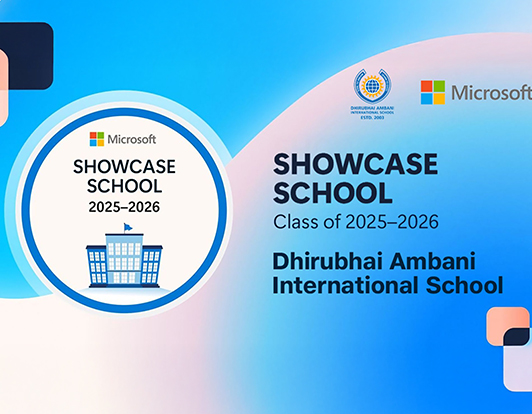
The Microsoft Showcase School status comes with many benefits
Share insights, best practices and connect with a global community of Microsoft Showcase Schools and educators.
Participate in Microsoft Tech for Good Challenge, a programme that signifies the innovative application of technology to real-world issues.
Receive digital transformation guidance from Microsoft and get access to their resources and the latest research.
Transform students' learning experiences to empower them to collaborate, grow, and succeed in their future careers.
We are sure that this milestone achievement for our school as a Microsoft Showcase School will inspire us to continue to innovate and drive whole school transformation.
Microsoft Teams – Learning Management System (LMS):
Dhirubhai Ambani International School integrates technology into the curriculum and implements 21st Century Learning best practices. The school provides state-of-the-art computing facilities and implements the fastest fiber Internet connectivity to cater to the needs of a technology-enhanced school.
Microsoft Teams works from any modern web browser via https://teams.microsoft.com and there are native Microsoft Teams apps for smartphones, tablets, Linux, Macintosh, and Windows devices. It is highly recommended that students have access to a secondary device such as a smartphone with Microsoft Teams installed; the smartphone is a wonderful backup device to utilize in case of technical problems with the primary device (laptop).
Using Microsoft Teams students join and participate in online virtual calls to facilitate learning. All online classes are recorded to provide easy access for students to review to learn at their own pace.
Microsoft Teams allows easy sharing and collaboration of documents within the Office ecosystem. Students are easily able to find assignments, chat with their classmates, and send messages to their teachers. Microsoft Teams allows students to easily be aware of their scheduled class times and assignment due dates.
Microsoft Teams acts as the primary virtual school hub for DAIS. Teachers and students utilize Microsoft Teams as their familiar starting point for online teaching and learning.